
Go to Dashboards > Club Overview.
The Club Overview Dashboard provides a comprehensive view of your club data, showcasing essential analytics such as:
Club Stats
(MTD = Month to date, YTD = Year to date)
- Club Sales MTD: Cumulative revenue from all club sales within the past month.
- Club Sales YTD: Total number of club orders placed within the past year.
- Club Orders MTD: Average value of all club orders within the past month.
- Club Orders YTD: Number of newly registered club members within the last year.
- Club Signups MTD: Count of the amount of club signups within the last month.
- Club Cancellations MTD: Count of club membership cancellations.
Club Activity
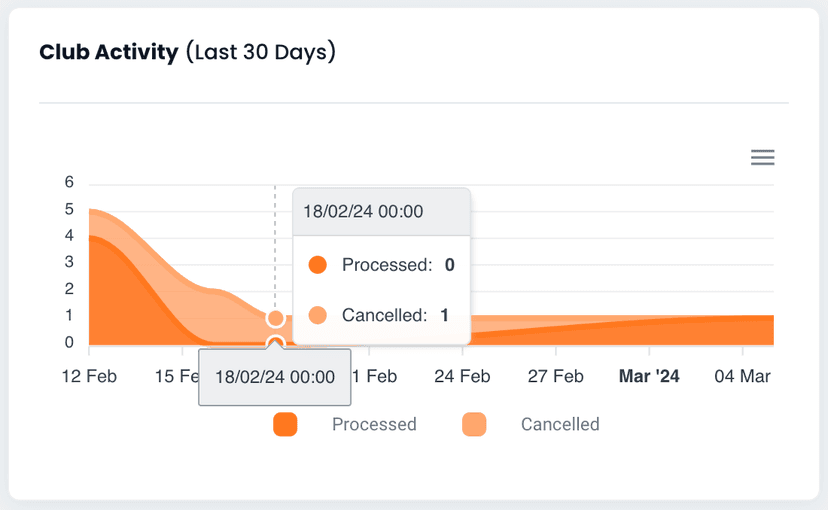
Club activity provides information on club orders that are processed within the last 30 days, when a scheduled order is processed it will be assigned one of the following Order Status.
- Processed: If an order was successfully processed.
- Skipped: If a membership has been skipped.
- Paused: If membership has been paused.
- Cancelled: If membership has been cancelled.
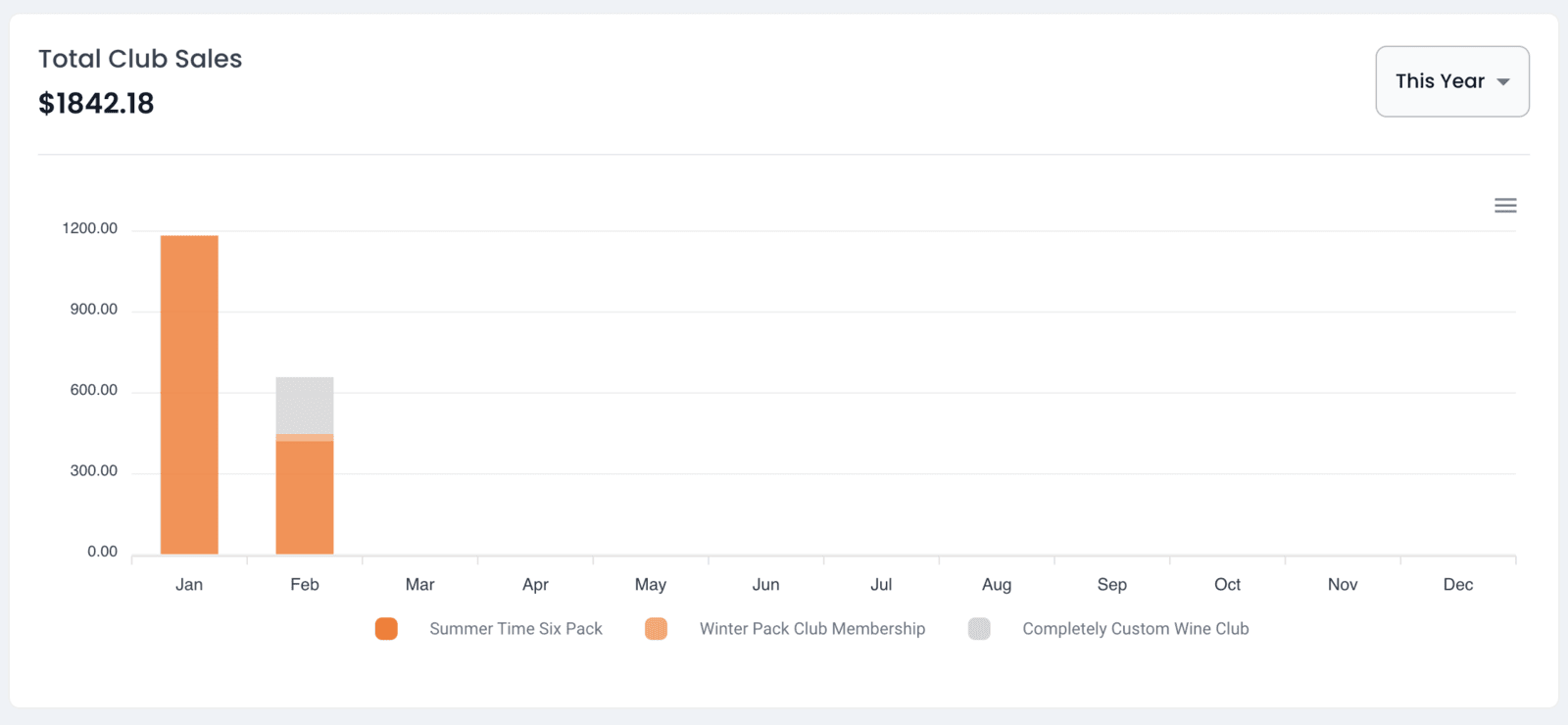
Total Club Sales
Club Members
Observe all your clubs in one place and see the number of club members for each club. Analyze the performance of individual clubs.
Top Club Members
Identify the ten most valuable club members by lifetime value.
Club Scheduled Orders
Preview upcoming club orders that are set to be processed by Members One. To view more scheduled orders, visit the Scheduled Orders page under Sales.
Find Out More >