
Point of Sale
Your cellar door's most powerful sales tool
A Point of Sale That Knows Your Customers
Most POS systems process transactions. Members One POS builds relationships. It recognises your members, applies their benefits, shows upcoming bookings and lets your team sign up new club members on the spot. One system, no switching between platforms.
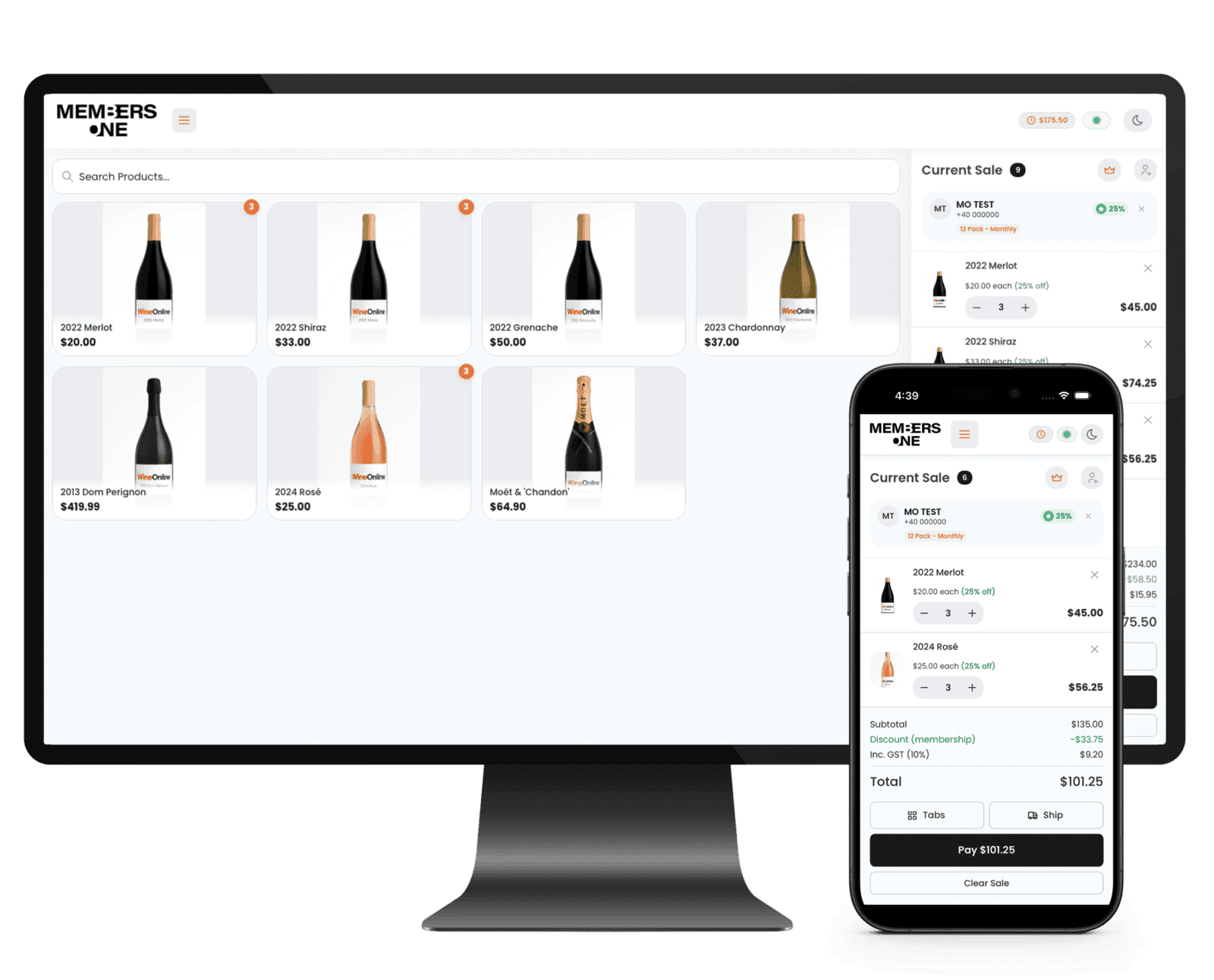
Every sale connected to every customer.
Your cellar door is where relationships start. But with most POS systems, the sale goes through and nothing links back to who that person is, what they bought or what they’re entitled to. Members One POS ties every transaction to a real customer profile, so your team doesn’t need to ask “are you a member?” and fumble through a separate system. They just know.
What your team gets at the counter
Instant member recognition
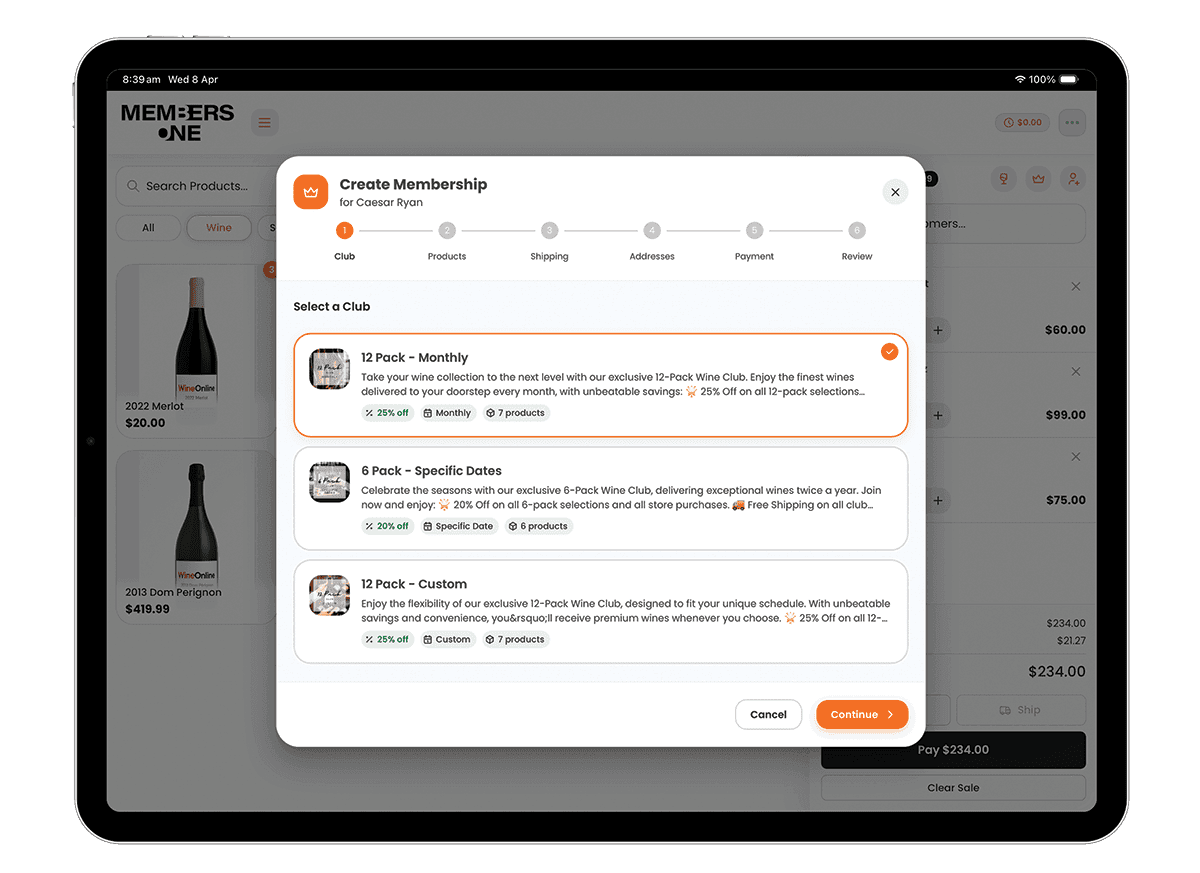
Add a customer to an order and their pricing, discounts and benefits apply automatically. No lookups, no codes, no guesswork.Club signups at the perfect moment
A customer just finished a tasting and loved everything. Your team can sign them up to the club right there, with benefits activated before they walk out the door.Every booking, right there in POS
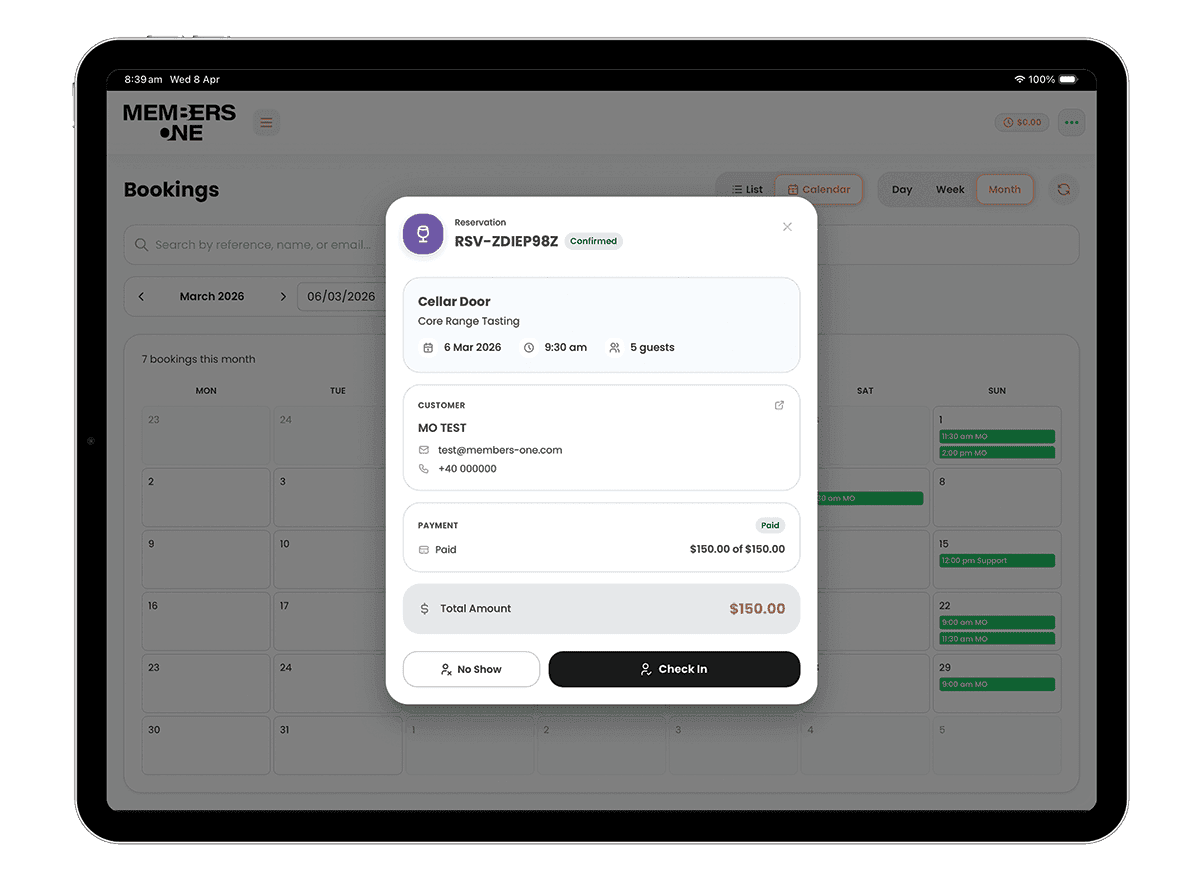
Reservations, tastings, events. Your team can see who's booked in today and what's coming up, so they're prepared before guests arrive.Tabs and flexible ordering
Open a tab, add to it as the afternoon goes on, and settle it when they leave. Built for how cellar doors actually operate, not how software companies think they should.Works offline, syncs automatically
If your internet drops mid-service, the POS keeps running. Take cash sales, add customers and sign members up, and it all syncs automatically once you're back online. Card payments need a connection, so the tender buttons tell your staff rather than failing at the counter.Native iPad and iPhone app
Available on the App Store and built to run natively on iPad and iPhone. No browser tabs, no bookmarks. Just open the app and start selling.Minimal training, fast checkout
Clean interface that new staff can pick up in minutes. Less time training, more time selling.

Your tasting room, one tap away.
Switch to tasting mode and products sell as individual pours at tasting prices. Fees apply automatically and can be waived for members. Set up flights as pre-built bundles, track every pour against the customer, and pull a daily report at the end of each session.
Built for real cellar door operations
POS dashboard
See what's actually happening at your venue. Track sales, transaction volumes, customer ratios, payment method splits, best-selling products, peak trading hours, profile performance and your top POS customers, all in one view.End of day reporting
Close out each day with a full summary including sales totals and payment method breakdowns. Staff can submit a cash count at the end of the day, and the POS checks it against expected takings so you see the variance rather than working it out on paper.Auto-lock for security
POS locks automatically after inactivity or when a transaction completes. Each staff member unlocks with their own PIN, keeping sessions secure without slowing anyone down.Stripe terminal integration
Accept card payments with Stripe's hardware terminals. Tap, chip or swipe, all connected to the same system with no third-party payment gateway needed.Tap to Pay on iPhone
Accept contactless payments using just your iPhone. No card reader, no extra hardware. Powered by Stripe Tap to Pay, so your team can take payments anywhere in the venue.Star mPOP and printer support
Works with Star Micronics mPOP registers and receipt printers out of the box. Plug in and start selling.Branded receipts
Put your own messaging on every receipt header and footer.
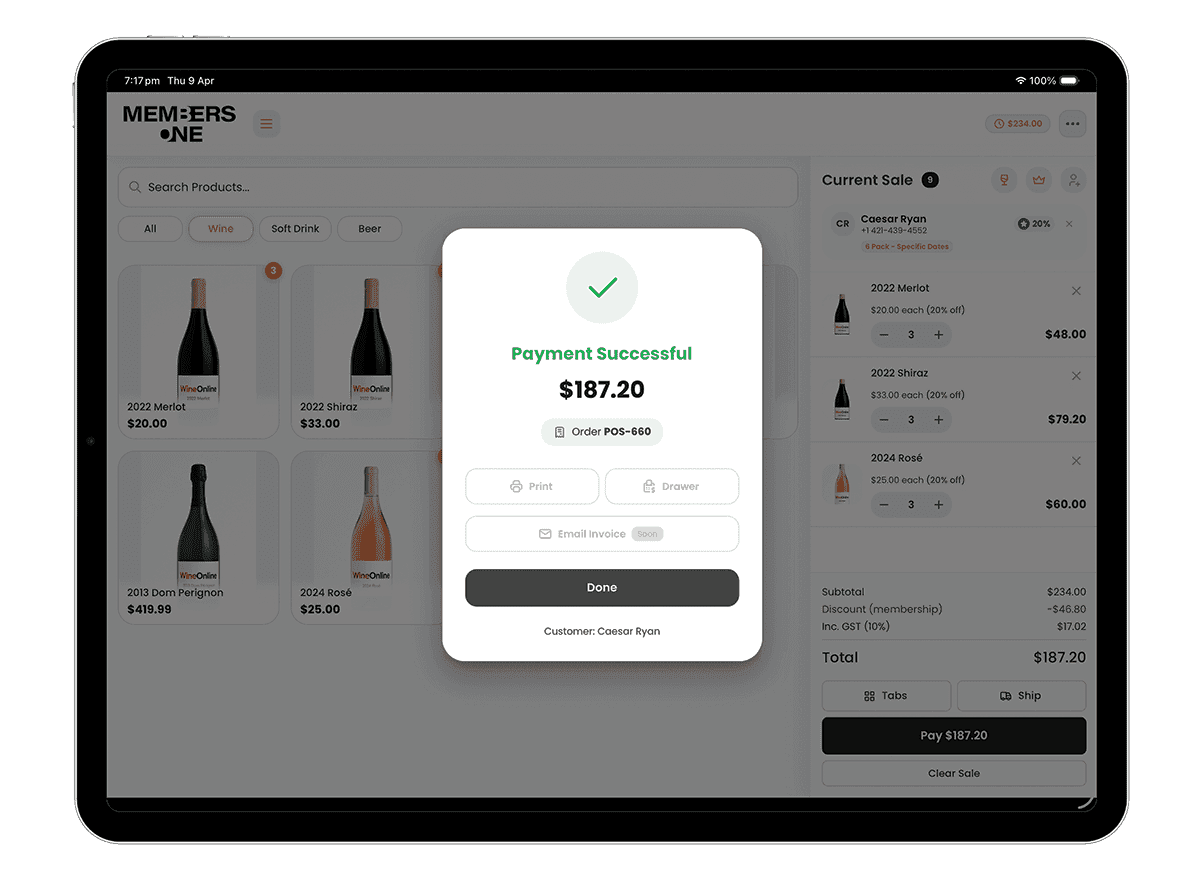

How much are you leaving at the table?
Every person who walks into your cellar door is a potential club member, repeat buyer and brand advocate. But if your POS can’t identify them, track what they love, or make it easy to sign them up, you’re losing that opportunity with every transaction. Members One POS turns your busiest touchpoint into your best growth channel.
Set up for the way you actually work
Profiles for every area
Run different setups for your cellar door, bar, restaurant and events space. Same system, same customer data, different configurations.Prep area printing
Route orders to the right place automatically. Set up prep areas for your kitchen, bar or any station, assign a network printer to each, and MO POS sends the right products to the right printer.Your products, your way
Organise products into categories that make sense for your team. A product can sit in multiple categories if it needs to.Ship from the counter
Customers buying more than they can carry? Let them choose shipping at checkout. Great for cases, club add-ons and gift purchases.Payment flexibility
Card and cash built in. Add custom payment methods to match how your venue operates.Surcharges where needed
Set up percentage-based surcharges, a card surcharge or anything else your venue needs, and choose whether each one applies automatically or gets added by staff at the counter.
Common questions about Members One POS
Got questions about how the POS works day to day? Here are the ones we hear most. If you need more details, reach out to our support team.